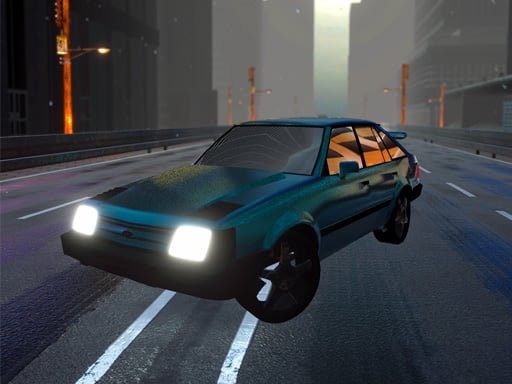
Traffic Monster
6,161
Get ready for an adrenaline-pumping adventure on the open road! Test your driving prowess by navigating through a sea of vehicles at top speeds. Focus on avoiding collisions while racking up points. Choose from various car models, dive into four different single-player game modes, experience dynamic weather conditions, and enjoy seamless control over your vehicle. Buckle up for an exciting journey filled with speed and skill!
Recommended Games
View All
4.5
Speed Racer Higway 3D
Use WASD keys to steer and control the movement of your car. W moves the car forward, S reverses it, A turns the car left, and D turns it right. Adjust your speed and direction using these keys to navigate through the levels and challenges in the game.
5,481
4.4
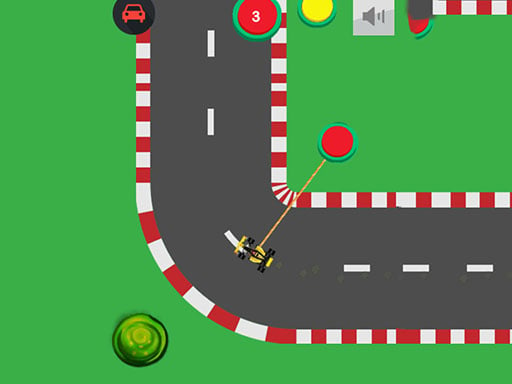
Speedway Formula Drag 2023
Click the mouse or tap on yellow buttons to steer your car, guiding it along the track to complete levels.
4,010
4.5
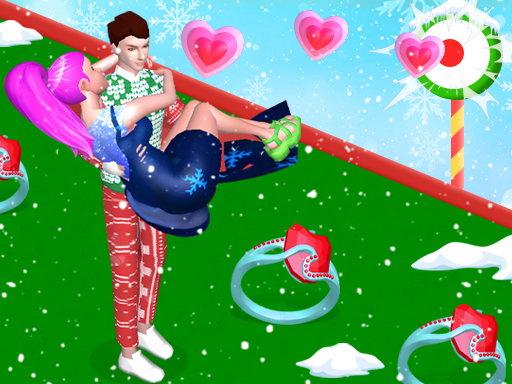
Bestie Breakup Run Christmas Love
Click or tap the screen to interact and progress through the game. Use these inputs to trigger actions, select options, and navigate different levels or scenes. Each click or tap responds to specific elements within the game environment, guiding you through challenges and objectives.
3,786

4.8
Unreal Descent 2: Race
Controls for PC: Accelerate with W, brake with S, turn right with D, turn left with A, use nitro with C, change view with F. For phones: Use the on-screen steering wheel to control direction and on-screen buttons for other actions. Mode switching is done in game settings.
5,751
4.9
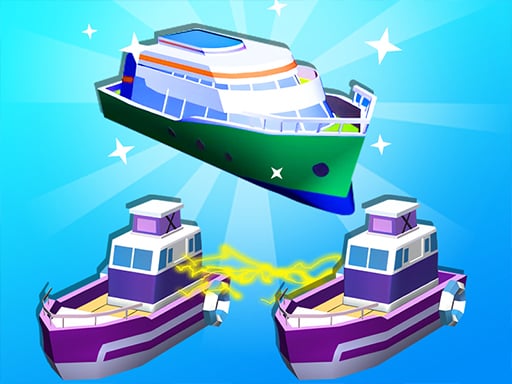
Boat Merge & Race
Click or tap on the screen to interact and progress through the game. Each click or tap triggers actions, reveals information, or moves your character forward depending on the game's context. Use these inputs to solve puzzles, select options, or engage with elements within the game environment.
5,571
4.1
Truck Space 2
Use arrow keys or WASD on desktop to control the truck's movement. Zoom and rotate the camera using the mouse. On mobile, utilize on-screen buttons for driving and touch with sliding gestures to adjust the camera view.
7,584
4.7
Sprunki Drift Multiplayer
Arrow keys to move left, right, up, or down through levels filled with challenges. Collect power-ups for temporary advantages against obstacles and enemies. Reach the end of each level to unlock new areas with increased difficulty and variety.
6,887

4.1
Dessert Stack Run
Click or tap on the screen to interact and progress through the game.
4,782

4.2
Roblox Climb Motorbike
Drive your bike around the circuit, accelerating with W and braking with S. Navigate turns smoothly by rotating with arrow keys and jump over obstacles using the spacebar. Your goal is to collect as many coins as possible throughout each level to unlock new skins.
6,183
4.1
Mutant Legs Run
Click or tap on the screen to interact and play.
7,064
4.4
Haunted Heroes
Click or tap on the screen to interact and progress through the game. Use these inputs to respond to in-game prompts, solve puzzles, and navigate levels.
7,534
4.9
Drift Fury
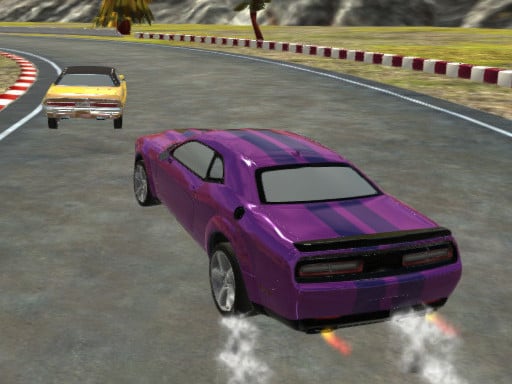
Navigate using WASD or arrow keys. Press spacebar to apply handbrake for sharp turns. Use left-shift for nitro boost to speed up. Switch camera view with C for better orientation.
5,640

4.9
Water City Racers
Move using W A S D, accelerate with NO and slow down with SH. Look behind with T, fix car position with R, apply handbrake with SPACE.
5,295

4.8
GT Burnout Parking Simulator
WASD or arrow keys control movement, allowing players to navigate through levels by moving forward, backward, left, or right. This simple control scheme ensures intuitive exploration and interaction within the game environment.
3,933
4.6
Park The Taxi 3
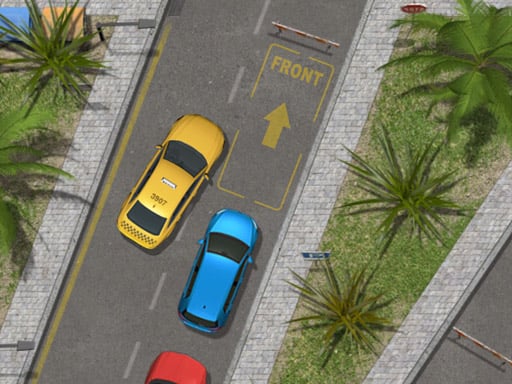
Desktop: Navigate using arrow keys or WASD for car control. Mobile: Use on-screen buttons to drive. For enhanced understanding, desktop players can try mobile controls by using on-screen buttons, while mobile users can practice with external controllers mirroring arrow keys or WASD setup for varied experience and easier learning across platforms.
7,104
4.0
Color Parking Drifter
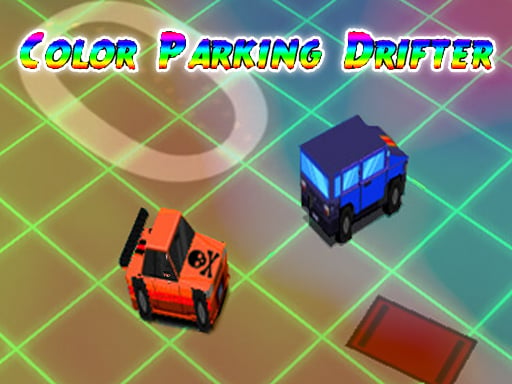
To navigate your character, press 'Z' to move left or 'X' to move right on the keyboard. On mobile, tap the left side of the screen to move your character left and the right side to move it right.
4,529
4.5
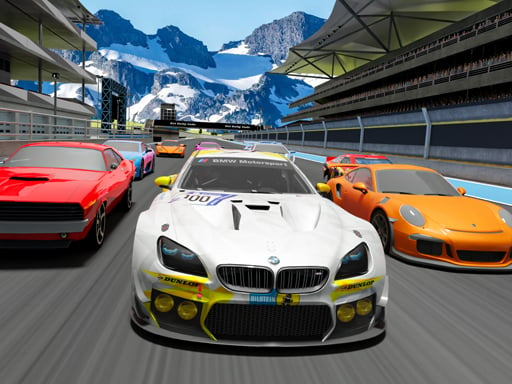
Car Racing Championship
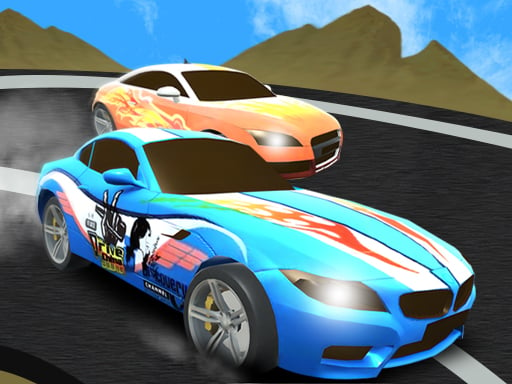
Use W to speed up, S to move backward, A to turn left, and D to turn right. Master these controls for smoother navigation in the game.
4,135
4.5
The Racing Crew
Use arrow keys to steer the car and move it left or right. Click and drag the mouse to adjust the camera angle for better viewing.
7,833

4.9
Ace Car Racing
On PC, use arrow keys or AD keys to move. On Mobile, tap the corresponding buttons on the screen for movement. This setup allows players to navigate easily across different platforms, ensuring accessibility and smooth gameplay whether using a keyboard or touchscreen.
3,212