
Chopsticks
6,438
Chopsticks: Finger Battle Game is an engaging and tactical two-player game where you use both hands, each starting with one raised finger, to outsmart your opponent. The aim is straightforward: eliminate all of your opponent's hands by transferring and combining fingers between your own hands, while ensuring you keep at least one hand active throughout the game. It's a blend of simplicity and strategy that makes every match unpredictable and exciting.
Recommended Games
View All
4.5
Dino Run Magic 2D
Space Bar - Initiates a jump or a double jump in mid-air for increased maneuverability and exploration.
5,555

4.5
Deadflip Challenge 2024
Click or tap on the screen to interact and progress through the game. Use these inputs to trigger actions, select options, and navigate within the game environment.
4,766

4.9
Skibidi Blocks
Desktop: Click left mouse button or press the up arrow key to jump. Mobile: Tap the screen to jump.
7,082
4.4
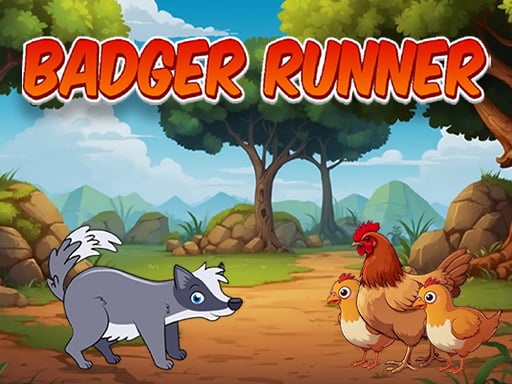
Badger Runner
Use on-screen buttons for control. Tap 'A' to move left, 'D' to move right. For jumping, press 'W'. Activate jet-pack with 'J', use shoe-jet by tapping 'K'. To fire, press the designated button.
6,303
4.6
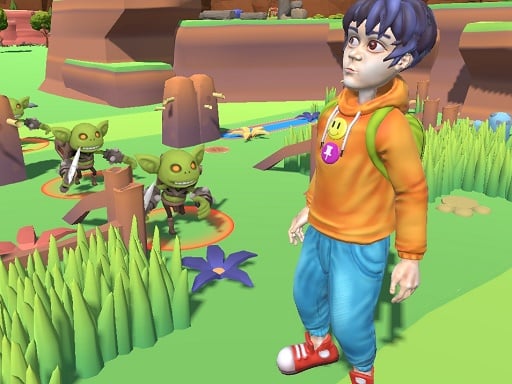
Findamon
Click or tap on the screen to interact and play. Use these inputs to navigate through levels, select options, and engage with elements within the game environment. This direct interaction method allows for an intuitive and responsive gaming experience.
4,411

4.4
Noobik Parkour in a Cave!
Mobile devices: Left side for movement, right side to rotate camera, jump with the button at the lower right corner. Computers: Use WASD for movement, space to jump, escape for pause menu, mouse for camera rotation.
4,490
4.0
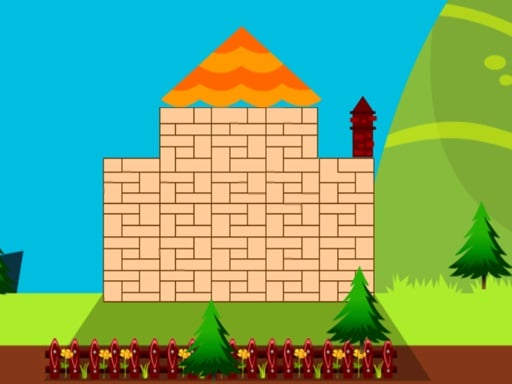
My Happy Place
Collect resources and construct your unique sanctuary, crafting each element personally to ensure it reflects your individuality and brings you joy.
4,578

4.9
Wrench Unlock Puzzle
Click or tap the screen to interact and progress through the game.
3,940

4.5
Rollance Going Balls
Click or tap the screen to interact and progress through the game.
7,258
4.9
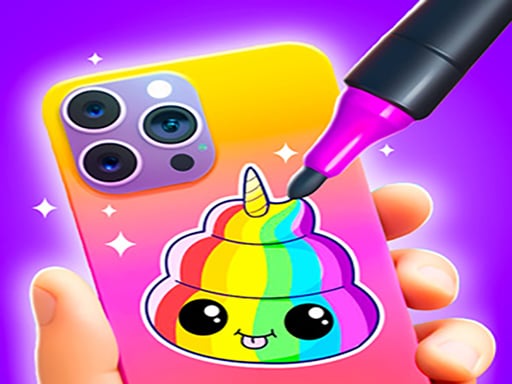
Mobile Phone Case Diy
Click or tap on the screen to interact with the game elements. Each touch triggers an action, guiding your character or selecting options. Explore and engage by simply touching the display.
3,976
4.6
Super Friday Squid Challenge
Desktop Controls: Navigate using arrow keys. Mobile Controls: Interact by touching game areas.
4,455

4.9
Baby Taylor House Cleanup
Click or tap the screen to interact and progress through the game. Use these inputs to trigger actions, solve puzzles, and navigate challenges.
3,155

4.7
Avatar World Dream City
Click or tap the screen to interact and progress through the game. Use these inputs to respond to in-game prompts and solve challenges.
4,009

5.0
Scary Joker: Haunted Dorm
Slide your finger across the screen to move in the desired direction. Smooth sliding controls character navigation effortlessly. Adjust the slide duration and direction for precise movement.
6,669

4.6
Mutant Plants Vs Zombie
Click or tap the screen to interact and progress through the game. Use these inputs to trigger actions, solve puzzles, and navigate levels.
6,705
4.9
Drive Mad Master
Control your character using WASD or the arrow keys for movement. Press W, D, S, A, X, Z, the up arrow, or the right arrow to move forward, and the down arrow or left arrow to move backward. Use mouse clicks for additional interactions as needed in the game.
7,761
4.9
Mad Dash
W Space Up Arrow Jump higher W Space Up Arrow Dash in Air for speed A D or Left Right Arrow Move Left Right quickly
5,169

4.1
Digital Circus Click and Paint
Use your mouse to interact with the game elements, click to select options, move the cursor to navigate through different sections of the game, and scroll to explore additional menus or views.
7,147

4.7
Animal Impossible Track Rush
Click or tap the screen to interact and progress through the game.
3,298