
Find 6 Differences
3,711
Discover the subtle differences in this relaxing puzzle game by comparing two very similar images and identifying the six spots where they differ. Each quick challenge is designed to be both fun and engaging, ideal for short breaks throughout your day. Ready to test your observational skills? Let's see how many differences you can spot!
Recommended Games
View All
4.5
Driver Zombie Escape 2D
Click or tap on the screen to interact and play. Use these inputs to navigate through levels, select options, or trigger actions as guided by the game instructions.
4,286

5.0
Craig of the Creek Learning the Body Online
In Craig of the Creek Learning The Body game, use the mouse to navigate through an interactive exploration of the human body. Click on different parts to learn about their functions and features in an engaging way that combines education with fun.
7,457

4.7
Delete Story Dop Brain Puzzle
Find the unnecessary elements, slide your mouse, and use the soap to erase them. Solve the tasks to uncover the truth.
5,615
4.4
Car Rush Fast Game
Click or tap the screen to interact and progress through the game. Use these inputs to trigger actions, select options, and navigate challenges.
6,298

4.0
Skibidi Man: Search of Skibidi Girl
To move left, press A or LEFT ARROW. To move right, press D or RIGHT ARROW. To jump, press W or SPACE. Use these controls to navigate through the game.
4,510
4.2
Last Day On Earth Survival
Click or tap the screen to interact and progress through the game.
3,525
4.5
Table Pong 2D
Up and Down Arrow controls the movement of your character vertically within the game environment. Pressing the Up Arrow moves your character upwards, allowing you to jump over obstacles or reach higher platforms. Conversely, pressing the Down Arrow moves your character downwards, enabling actions like crouching under low-hanging objects or descending stairs. These directional movements are fundamental for navigating through levels, avoiding dangers, and collecting items essential for progressing in the game.
7,178

4.6
Pinball Football HTML5
For desktop, use left and right arrow keys. On mobile, tap the left side of the screen for left controls and the right side for right controls.
5,837
4.2
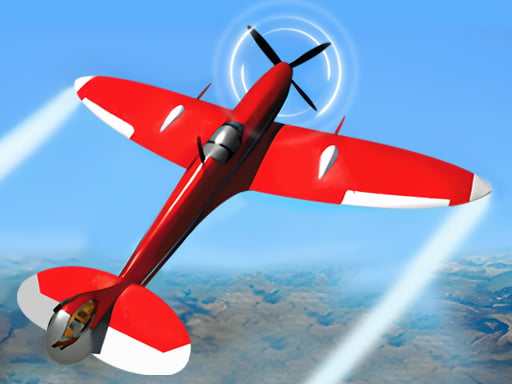
Real Flight Simulator
Click or tap the screen to interact and progress through the game. Use these inputs to trigger actions, select options, and navigate challenges designed to test your skills and reflexes. Each click or tap responds with immediate feedback, guiding you through levels filled with puzzles, obstacles, and interactive elements. Engage with the game world by simply interacting with objects and characters as indicated. Enjoy an intuitive experience that relies on your timing and decision-making abilities.
4,917

4.3
Boogers
The Boogers app guides you to locate an ideal spot for a booger. First, ensure you have a booger ready. Tap start to begin. As you move, follow the booger detector's direction. When it indicates a suitable location, place your booger there. Enjoy your quest!
7,217

4.1
Object Hunter
Drag to move and hide from hunters or become a hunter to find hiders. Challenge yourself in timed mode, racing against the clock to uncover all hidden objects. Enhance your observation skills for rewarding satisfaction.
5,725

4.1
Real JCB Excavator Simulator
On PC, use WASD or Arrow keys to move, QE to rotate the mechanic arm, R to rise or lay down the arm, and T to grab the bucket. On Mobile, press and hold the buttons to move and rotate, click on the slider to customize the color scheme.
7,311
4.5
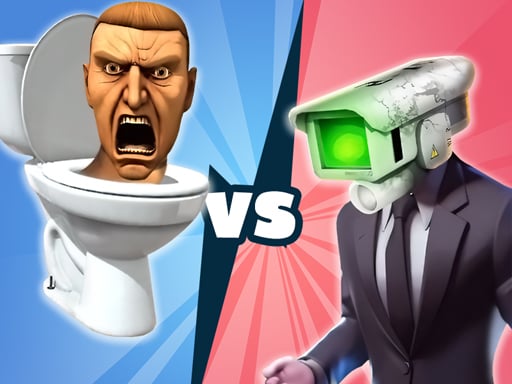
Merge Master: Skibidi Bop
Click monster buttons to purchase monsters. Drag identical monsters together to merge them, upgrading to a higher-level monster.
7,659
4.3
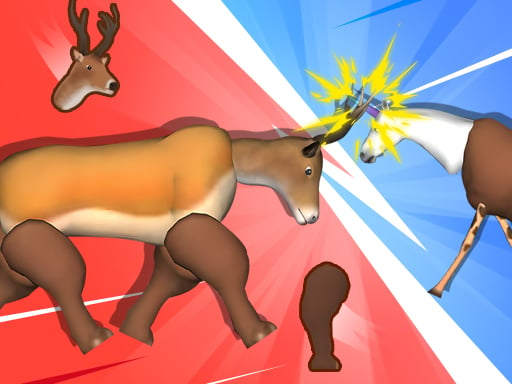
Merge Animals Mutant Fight
Click or tap on the screen to interact and progress through the game. Use these inputs to respond to in-game prompts, solve puzzles, and navigate challenges.
6,769
4.6
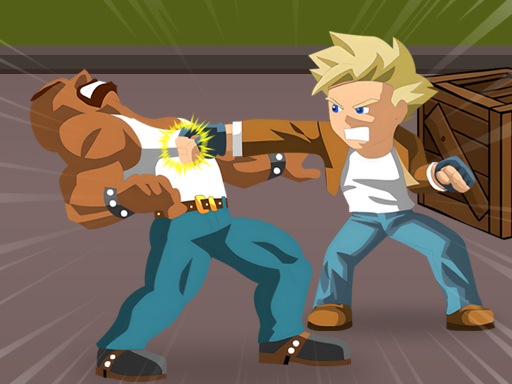
Retro Street Fighter
On PC, arrow keys move, J punches, I kicks, K jumps, L blocks. On Mobile, drag the move wheel to navigate, tap buttons to attack or defend.
3,710
5.0
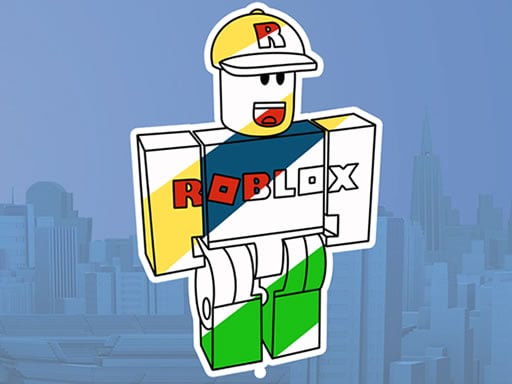
Roblox Coloring Book
Click and drag colors from the palette onto the canvas to color in the images with Roblox. Use the mouse to select different colors and brush sizes for detailed work or quick coloring sessions.
7,070
4.2
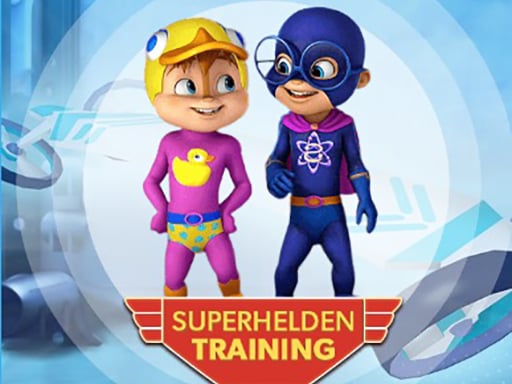
Alvin Super Hero
Avoid obstacles by steering left or right using arrow keys on desktop or swiping left or right on mobile. Jump or duck using arrow keys on desktop or swipe up or down on mobile.
4,754
4.2
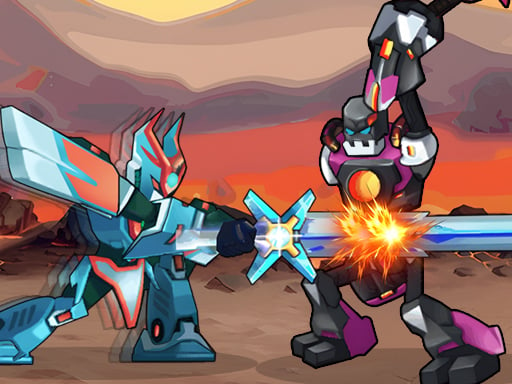
Robot Fighting Adventure
Click or tap the screen to interact and progress through the game. Use these inputs to trigger events, solve puzzles, and navigate levels. Engage with the environment by selecting options or characters as prompted.
3,781

4.9
Vampire Survivors Dark
Navigate using WASD keys on PC, arrow keys as alternative, mouse clicks for specific interactions, touch controls on mobile devices for movement and actions.
6,208
4.7
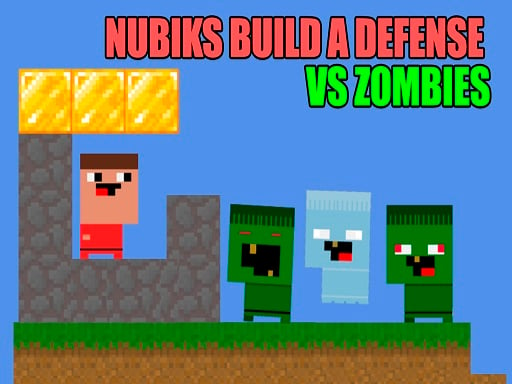
Nubiks build a defense vs zombies
In PC version, use arrow keys for movement; specifically, the down arrow key for building structures. For WASD controls, W, A, and D navigate, and S initiates builds. Players can perform a double jump. On mobile, on-screen buttons handle both movement and building actions seamlessly.
4,049