
Baby Taylor Home Stories
3,610
In this family-friendly care and cleaning game designed for girls, you'll assist Tyler in creating a special birthday cake for his mother, ensuring she has a wonderful celebration. Additionally, you'll tidy up the garden for the playful kittens and puppies, giving them baths and making their outdoor space neat and inviting.
Recommended Games
View All
4.0
Eye Color DIY
Click or tap on the screen to interact with elements and progress through the game. Use these inputs to trigger actions, solve puzzles, and navigate levels.
3,941

4.7
Animal Impossible Track Rush
Click or tap the screen to interact and progress through the game.
3,298

4.9
Mobile Phone Case Diy
Click or tap on the screen to interact with the game elements. Each touch triggers an action, guiding your character or selecting options. Explore and engage by simply touching the display.
3,976

4.9
One Wheel Rush
Select the number of wheels using left mouse click or touch, then tap the screen to make the vehicle jump.
3,329

4.9
Baby Taylor House Cleanup
Click or tap the screen to interact and progress through the game. Use these inputs to trigger actions, solve puzzles, and navigate challenges.
3,155

4.1
Tower Defenders
Upgrade your defense towers to defeat enemies and earn coins and gems. Every two levels, select from three cards for power-ups that best assist you. Survive as long as possible in an endless mode.
7,904

4.6
Super Friday Squid Challenge
Desktop Controls: Navigate using arrow keys. Mobile Controls: Interact by touching game areas.
4,455

4.9
Crazy Christmas Fun
Click to ascend and tap again to descend swiftly, avoiding incoming enemy objects by timing your movements precisely.
6,150

4.4
Noobik Parkour in a Cave!
Mobile devices: Left side for movement, right side to rotate camera, jump with the button at the lower right corner. Computers: Use WASD for movement, space to jump, escape for pause menu, mouse for camera rotation.
4,490
4.6
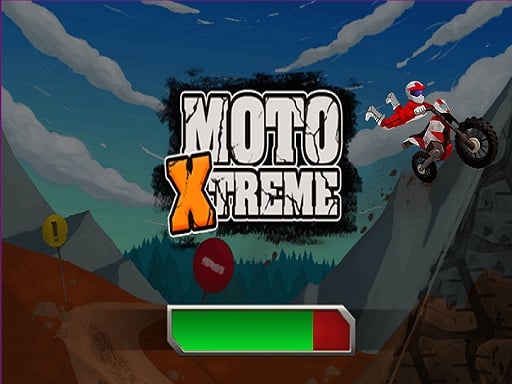
Moto Xtreme
Master thrilling and intense stages by skillfully controlling the motorcycle's speed with the throttle and steering its direction.
5,315
4.9
Drive Mad Master
Control your character using WASD or the arrow keys for movement. Press W, D, S, A, X, Z, the up arrow, or the right arrow to move forward, and the down arrow or left arrow to move backward. Use mouse clicks for additional interactions as needed in the game.
7,761
4.0
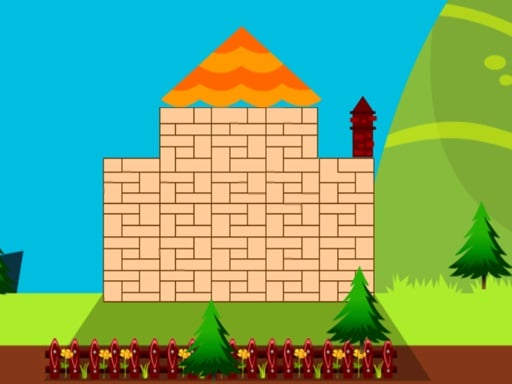
My Happy Place
Collect resources and construct your unique sanctuary, crafting each element personally to ensure it reflects your individuality and brings you joy.
4,578
4.4
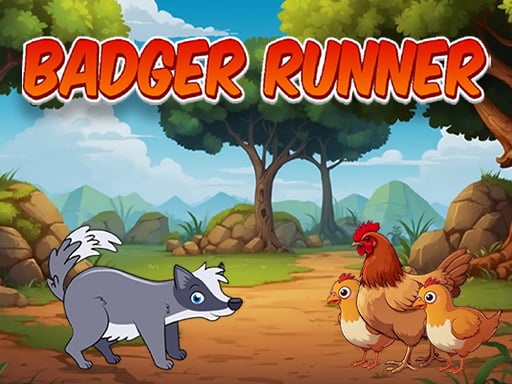
Badger Runner
Use on-screen buttons for control. Tap 'A' to move left, 'D' to move right. For jumping, press 'W'. Activate jet-pack with 'J', use shoe-jet by tapping 'K'. To fire, press the designated button.
6,303

4.7
Flappy Bird Spinning oia oia Cat
In mouse only gameplay, players control all actions using their computer mouse. Clicking moves the character, while right-clicks target or interact with objects. Dragging can be used for aiming in some games. This setup removes the need for keyboard inputs, offering a unique control scheme that challenges players to adapt their gaming habits, focusing solely on precise mouse movements for navigation, combat, and interaction within the game environment.
4,835

4.6
Mutant Plants Vs Zombie
Click or tap the screen to interact and progress through the game. Use these inputs to trigger actions, solve puzzles, and navigate levels.
6,705

4.9
Mad Dash
W Space Up Arrow Jump higher W Space Up Arrow Dash in Air for speed A D or Left Right Arrow Move Left Right quickly
5,169

4.1
Digital Circus Click and Paint
Use your mouse to interact with the game elements, click to select options, move the cursor to navigate through different sections of the game, and scroll to explore additional menus or views.
7,147

4.1
Chopsticks
To interact with the game, simply click using your mouse or touch the screen with your finger. This action allows you to select items, characters, or options within the game world, enabling navigation and engagement in activities.
6,438

4.5
Rollance Going Balls
Click or tap the screen to interact and progress through the game.
7,258
4.6
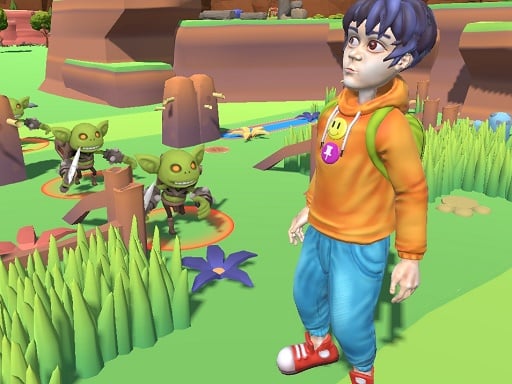
Findamon
Click or tap on the screen to interact and play. Use these inputs to navigate through levels, select options, and engage with elements within the game environment. This direct interaction method allows for an intuitive and responsive gaming experience.
4,411