Discover Amazing Games
Explore our collection of free online games and start playing instantly
Popular Games


Newest Games

5.0
Pop It 3D Fidget Toy Maker
Click or tap on the screen to interact with the game elements, progressing through levels by selecting options or triggering actions.
3,213
4.7
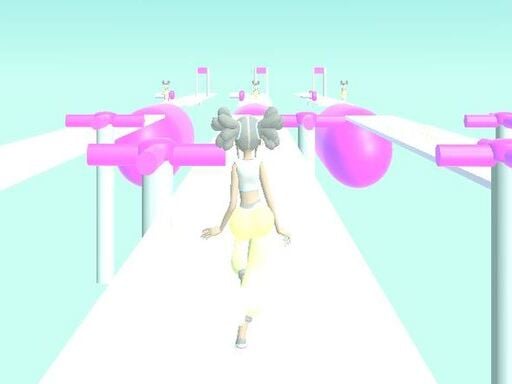
Girly Race Runner
Click or tap on the screen to interact and play.
6,785
4.6
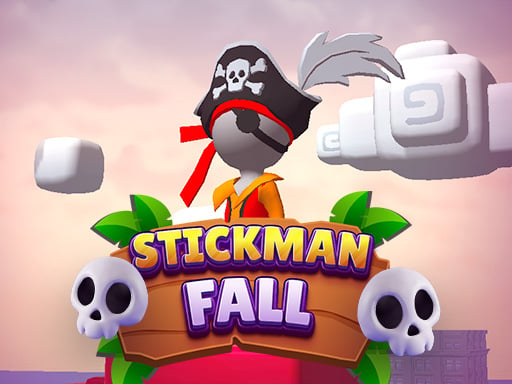
Stickman fall
Attach to the bar using Space on the keyboard, Left Mouse Click, or Long Press on mobile devices. Descend gracefully, dodging various obstacles along the way. Reach the finish line and come to a smooth stop within the designated area.
3,865
4.7
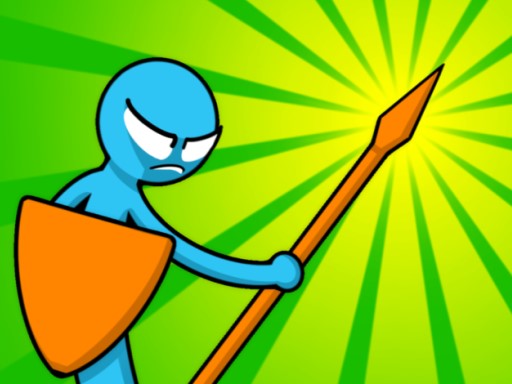
Stickman Merge Battle: Arena
Click Sword and arrow button to recruit units, then use Tile button to buy tiles. Drag recruited units across tiles for better strategy. Combine identical units to upgrade them.
7,619
4.2
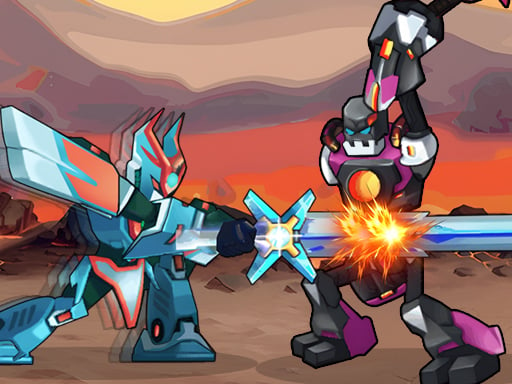
Robot Fighting Adventure
Click or tap the screen to interact and progress through the game. Use these inputs to trigger events, solve puzzles, and navigate levels. Engage with the environment by selecting options or characters as prompted.
3,781

5.0
Craig of the Creek Learning the Body Online
In Craig of the Creek Learning The Body game, use the mouse to navigate through an interactive exploration of the human body. Click on different parts to learn about their functions and features in an engaging way that combines education with fun.
7,457

4.1
The Boyfriend Of Valentines Day
Click or tap on the screen to interact and progress in the game.
6,843
4.7
MagicTower
Click or tap the screen to interact and progress through the game. Use these inputs to trigger events, select options, or control elements within the game environment.
6,680

4.9
Baby Taylor House Cleanup
Click or tap the screen to interact and progress through the game. Use these inputs to trigger actions, solve puzzles, and navigate challenges.
3,155

4.4
My Little Cat 2
Click or tap the screen to interact and progress through the game. Use these inputs to respond to in-game prompts, solve puzzles, and engage with the environment.
6,349

4.4
Super Goalkeeper
You can play by moving the mouse left and right to control the character's direction. Adjusting the mouse sensitivity allows for finer control, enabling precise movements through obstacles or towards targets. This simple mechanic forms the core of navigation in the game, guiding your character through various challenges and environments.
4,417
4.6
Count Escape Rush
Click or tap the screen to interact and progress through the game.
3,850

4.8
Sweet Cotton Candy Maker
Tap the screen to start the game and continue tapping to control your character's actions or movements as indicated on the screen throughout the gameplay.
7,178

4.6
Liga Super Malaysia
In Guna Tetikus players control a character that must navigate through various levels by using their finger as a trigger. This trigger mechanism activates different abilities such as jumping over obstacles or shooting at enemies. Players progress by solving puzzles and defeating foes with precise timing. Each level introduces new challenges requiring strategic use of the finger-trigger to unlock paths and complete objectives.
7,424
4.3
Steve and Alex Dungeons
Navigate using WASD on PC or arrow keys for smooth movements. For mobile users, intuitive touch controls allow easy navigation, enhancing accessibility and playability across different devices.
7,484

4.1
MCATLANTS
Played with WASD, arrow keys, or mobile touch control. To throw the sword, press Q or P.
3,739

4.8
Pixel Sumo
Keyboard: Use W to move the blue character and the up arrow for the red character. Mobile: Control the blue character with the Red button and the red character with the Blue button.
5,758

4.5
Messi New Challenge
Use mouse or finger to move player through juggling levels; swipe to aim and shoot at targets or toward goals for scoring.
4,442

4.3
Boogers
The Boogers app guides you to locate an ideal spot for a booger. First, ensure you have a booger ready. Tap start to begin. As you move, follow the booger detector's direction. When it indicates a suitable location, place your booger there. Enjoy your quest!
7,217

4.1
Dessert Stack Run
Click or tap on the screen to interact and progress through the game.
4,782

4.7
Sausage Run
Click or tap the screen to interact and progress through the game. Use these inputs to respond to in-game prompts, solve puzzles, and navigate levels.
4,518
4.9
Mobile Phone Case Diy
Click or tap on the screen to interact with the game elements. Each touch triggers an action, guiding your character or selecting options. Explore and engage by simply touching the display.
3,976
4.4
Speedway Formula Drag 2023
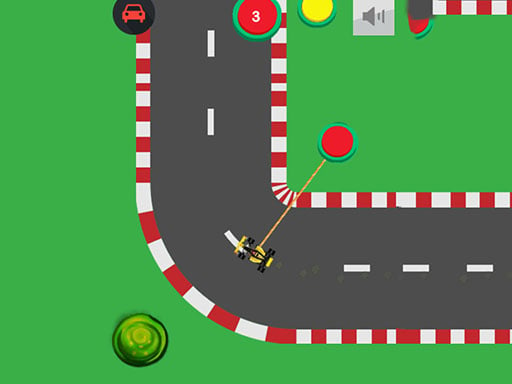
Click the mouse or tap on yellow buttons to steer your car, guiding it along the track to complete levels.
4,010

4.4
Monster Trucks Sky Stunts
Use WASD keys to move your character. W moves forward, S moves backward, A turns left, and D turns right. This setup allows for flexible navigation through various terrains and obstacles within the game environment.
7,077
4.9
Flick n Goal
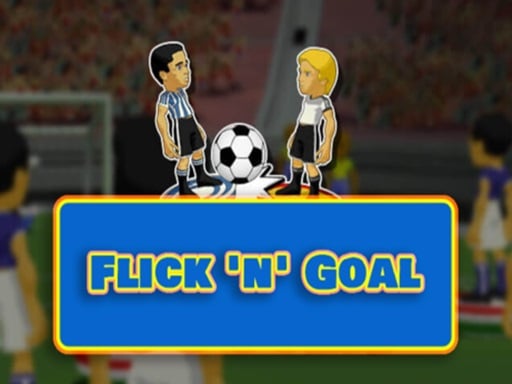
Drag the mouse to aim and release to strike the ball, propelling players into motion. Adjust strength and direction for precise control over player movements and strategic hits.
5,455

4.8
Skibidi Toilet Ball Juggling
Click or tap on the screen to interact and progress through the game. Use these inputs to respond to in-game prompts, solve puzzles, and navigate levels. Engage with characters and objects by simply clicking or tapping for an intuitive gaming experience.
6,608

4.1
Chopsticks
To interact with the game, simply click using your mouse or touch the screen with your finger. This action allows you to select items, characters, or options within the game world, enabling navigation and engagement in activities.
6,438

4.9
Stickman Hot Potato
Use arrow keys to navigate your character. Collect potatoes and throw them out of your court. If a potato remains in your court for more than three seconds, you will lose a point.
5,258

4.5
Baby Games For Preschool Kids
Click or tap the screen to interact and progress through the game. Use these inputs to trigger actions, solve puzzles, and navigate levels. Engage with characters and objects by simply clicking or tapping to enhance your understanding and enjoyment of the game's storyline and mechanics.
7,962

4.4
Haunted Heroes
Click or tap on the screen to interact and progress through the game. Use these inputs to respond to in-game prompts, solve puzzles, and navigate levels.
7,534
4.3
Mini Goalie
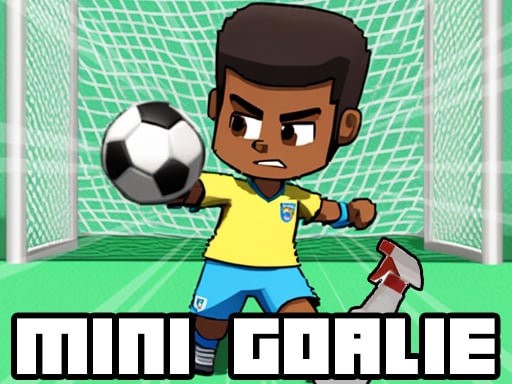
Click or tap on the screen to interact and play. Use mouse clicks for desktops or taps on mobile devices to trigger actions within the game. This direct interaction controls character movements, selects items, and initiates game commands, making the gameplay intuitive and accessible across different platforms.
6,975

4.9
Ace Car Racing
On PC, use arrow keys or AD keys to move. On Mobile, tap the corresponding buttons on the screen for movement. This setup allows players to navigate easily across different platforms, ensuring accessibility and smooth gameplay whether using a keyboard or touchscreen.
3,212

4.5
Head ball championship_2
Navigate using arrow keys: up arrow to jump, right arrow to move forward, left arrow to move backward. Use A, W, D for alternative movement: A to move left, D to move right, W to jump.
4,527
4.2
Duo Water and Fire
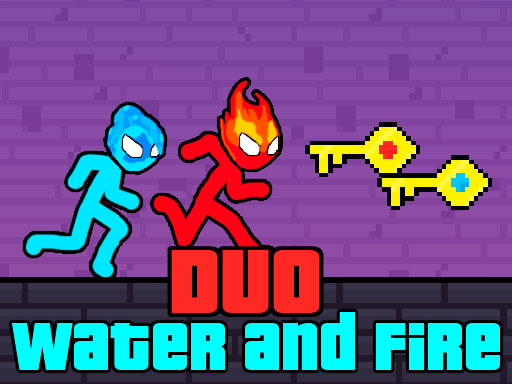
Move using WASD or arrow keys for double jump. Tap screen to move on mobile. Red player navigates through red water effortlessly while the blue player does the same in blue water. Both players are hindered by green water, unable to pass through.
6,553
4.6
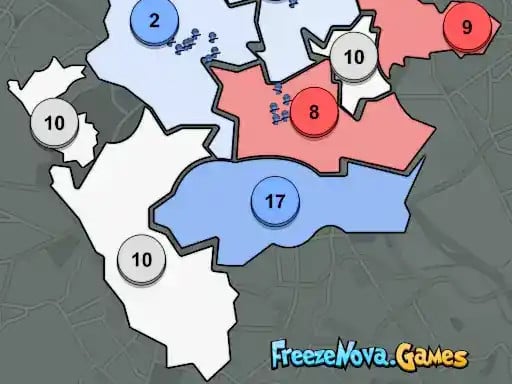
State Wars
Deploy troops by left-clicking and dragging for PC or touching the screen for mobile devices to send them into action.
3,903

4.9
Water City Racers
Move using W A S D, accelerate with NO and slow down with SH. Look behind with T, fix car position with R, apply handbrake with SPACE.
5,295

4.4
Noobik Parkour in a Cave!
Mobile devices: Left side for movement, right side to rotate camera, jump with the button at the lower right corner. Computers: Use WASD for movement, space to jump, escape for pause menu, mouse for camera rotation.
4,490

4.2
Pets Grooming Bubble Party
Desktop: Click and drag objects to interact and play. Mobile: Tap to select and slide to move or interact with elements.
7,696

5.0
Hoops & Fruits
tap and hold to place start point then drag towards desired end point to draw your line Adjust the line length and direction. by dragging ends for precision release to confirm your line
4,968

4.6
Mutant Plants Vs Zombie
Click or tap the screen to interact and progress through the game. Use these inputs to trigger actions, solve puzzles, and navigate levels.
6,705
4.2
Grimace Ball Jumpling
Click or tap the screen to interact and progress through the game.
6,905

5.0
Scary Joker: Haunted Dorm
Slide your finger across the screen to move in the desired direction. Smooth sliding controls character navigation effortlessly. Adjust the slide duration and direction for precise movement.
6,669
4.5
Swim Car Racers
Navigate using WASD or arrow keys. Press left shift for nos boost. Use spacebar for handbrake to maneuver sharply.
5,440
4.8
Zombie Royale Io
Click or tap on the screen to interact and progress through the game. Use these inputs to trigger actions, solve puzzles, and navigate levels.
6,318

4.8
BFFs Beach Pedicure
Desktop: Click and drag objects to interact and solve puzzles. Mobile: Tap to select and slide to move items, engaging in interactive gameplay for puzzle solving.
6,858
4.9
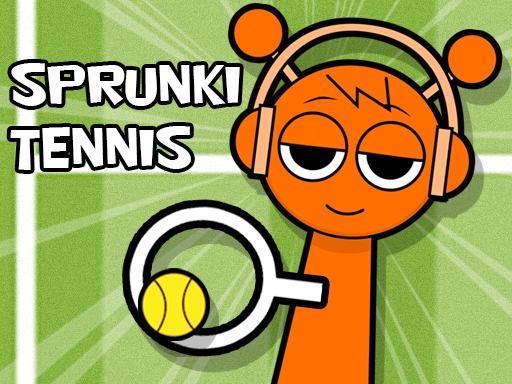
Sprunki Tennis
Click or tap on the screen to interact and progress through the game. Each touch triggers actions, responses, or movements within the game environment, guiding you through levels or challenges. Use these inputs to solve puzzles, navigate obstacles, or engage with game elements for an immersive experience.
6,540
4.1
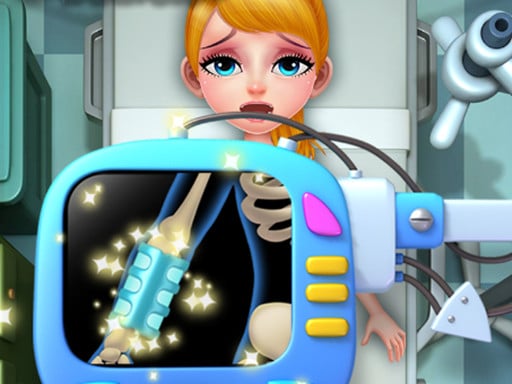
Body Doctor Little Hero
Click or tap on the screen to interact and play. Use these inputs to navigate through the game, trigger actions, and engage with elements within the environment. This direct interaction method allows for an intuitive and responsive gaming experience.
3,512
5.0
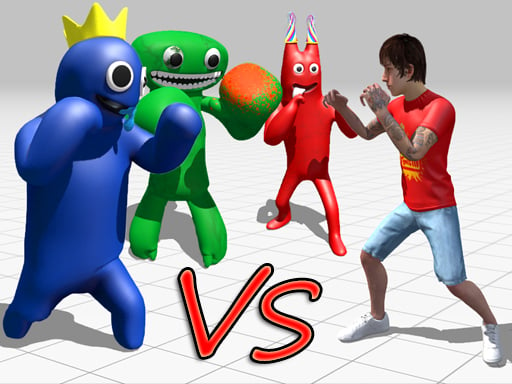
Garten Of Rainbow Monsters
Click or tap on the screen to interact and progress through the game. Each click or tap triggers actions, events, or movements within the game world, guiding you through levels or challenges. Use these interactions to solve puzzles, navigate environments, or engage with game elements.
7,423

4.5
Sumo Smash!
Use WASD keys on desktop for movement or QZSD as an alternative. On mobile devices, simply touch the screen to move around.
7,747
4.2
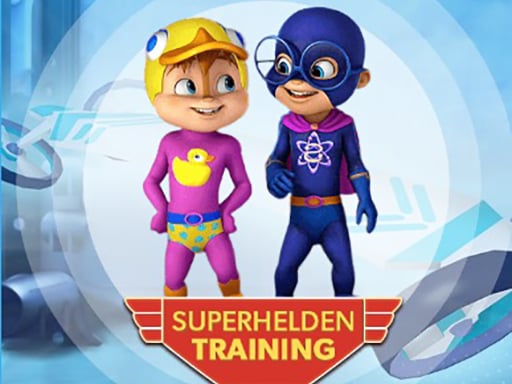
Alvin Super Hero
Avoid obstacles by steering left or right using arrow keys on desktop or swiping left or right on mobile. Jump or duck using arrow keys on desktop or swipe up or down on mobile.
4,754
4.2
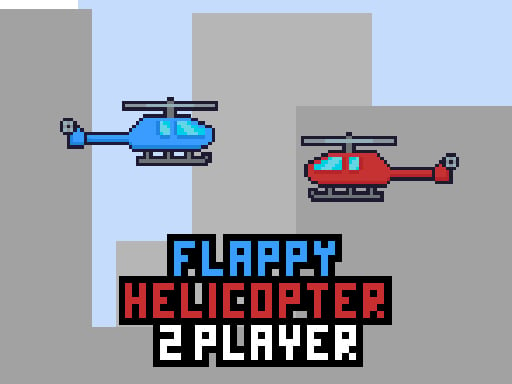
Flappy Helicopter 2 Player
To play, use the W key for the red helicopter and the Up Arrow Key for the blue one. The goal is simple: be the first to score 10 points.
7,549
4.7
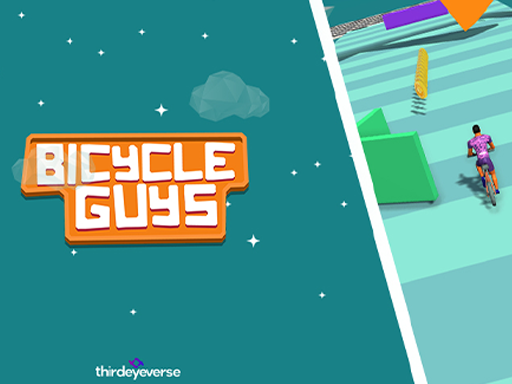
Bicycle Guys
Click and drag your character across the screen to move them where you desire. This action allows for navigation through levels and avoids obstacles or reaches specific points in the game environment.
3,126

4.5
Idle Restaurant Tycoon
Click or tap the screen to interact and progress through the game.
6,256
4.6
Mess Master Keep Home Clean
Click or tap on the screen to interact and play. Use these inputs to navigate through the game, trigger actions, and engage with elements within the environment.
5,416

4.9
Crazy Christmas Fun
Click to ascend and tap again to descend swiftly, avoiding incoming enemy objects by timing your movements precisely.
6,150
4.8
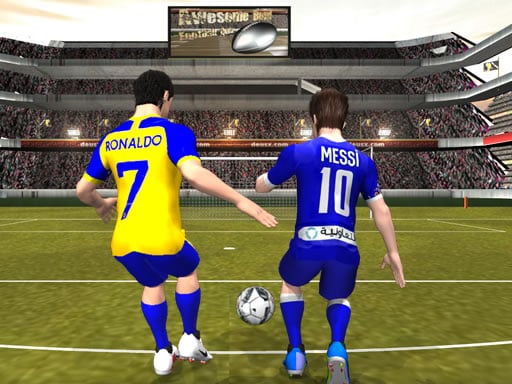
Messi vs Ronaldo KTT
Swipe to kick and hit blocks to progress, revealing your team's logo as you break them. Each successful hit advances you further, showcasing support and spirit for your team.
5,537

4.9
Shaolin Soccer
Click or tap on the screen to interact and progress through the game. Use these inputs to trigger actions, select options, or navigate within the game environment.
3,035
4.6
Moto Xtreme
Master thrilling and intense stages by skillfully controlling the motorcycle's speed with the throttle and steering its direction.
5,315

4.1
Squad Goals: Soccer 3D
Touch Mouse TAP CLICK and DRAG to RUN ACROSS the field RELEASE to SLIDE SHOOT or PASS the ball bull Keyboard Press arrow keys or WASD to control your player's RUN Release arrow keys or press SPACE to initiate a SLIDE for SHOOTING or PASSING the ball
5,791

4.4
Heads Up Skibidi
Desktop: Right-click and drag objects horizontally. Mobile: Swipe left or right on the screen to move objects.
4,160
4.6
Z Stick Duel Fighting
Click or tap the screen to interact and progress through the game. Use these inputs to respond to in-game prompts, select options, or trigger actions as indicated by the game interface.
7,798

4.5
Car Repair And Wash
Click or tap to play in this car washing mechanic simulator. Experience the joy of cleaning, repairing, and customizing virtual cars like a professional mechanic. Select from a variety of tools, paints, and accessories to make each car uniquely stylish.
3,158
4.7
Stickman Ninja Way of the Shinobi
Control Movement using WASD Roll with Space Sword Strike using Left mouse click Combo Attack with Right mouse click Phone Tablet Use interface buttons for respective actions
7,863

4.9
Crab Penalty
Desktop: Click the mouse left button to launch and guide the ball towards targets. Mobile: Swipe in the direction needed to guide the ball into the goal.
7,852

4.1
Aqua Dogy
Collect all badges to activate the Black Hole mode.Playable on desktop and mobile.Jump using the W key or the Arrow up key.
3,059

4.9
Anime Star Fashion Battle
Click or tap on the screen to interact and progress through the game. Use these inputs to trigger actions, solve puzzles, and navigate levels.
6,239
4.2
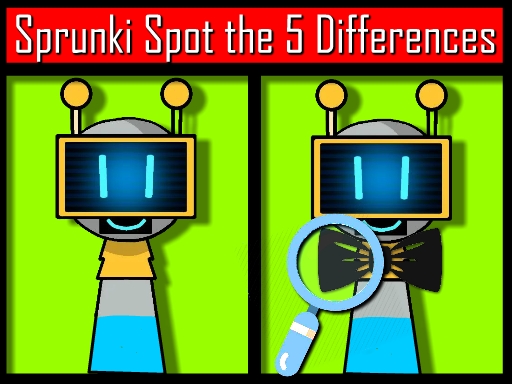
Sprunki Spot the 5 Differences
Use your mouse to interact with the game elements on the screen. Click, drag, or move the mouse to control actions within the game, guiding characters or selecting options as needed for play.
3,509

4.7
Idle Restaurant Tale
Gameplay involves tapping on machines and foods to progress through levels, making it straightforward and accessible for players to enjoy.
4,007
4.5
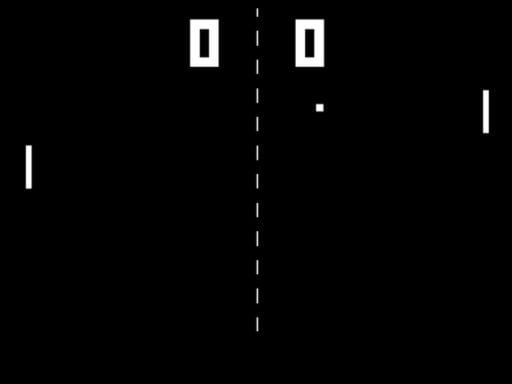
Table Pong 2D
Up and Down Arrow controls the movement of your character vertically within the game environment. Pressing the Up Arrow moves your character upwards, allowing you to jump over obstacles or reach higher platforms. Conversely, pressing the Down Arrow moves your character downwards, enabling actions like crouching under low-hanging objects or descending stairs. These directional movements are fundamental for navigating through levels, avoiding dangers, and collecting items essential for progressing in the game.
7,178
4.6
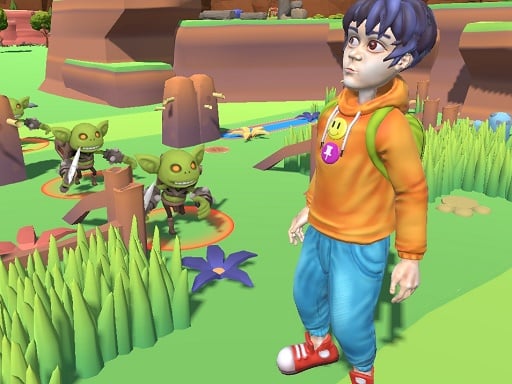
Findamon
Click or tap on the screen to interact and play. Use these inputs to navigate through levels, select options, and engage with elements within the game environment. This direct interaction method allows for an intuitive and responsive gaming experience.
4,411
4.8
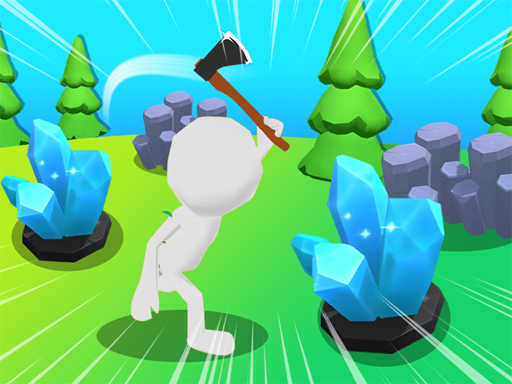
Hex Planet Idle
Click or tap on the screen to interact with the game elements. Each click or tap will trigger actions within the game, allowing you to progress through levels or complete objectives. Use these inputs to respond to in-game prompts and solve puzzles. Adjust your clicking or tapping speed and accuracy as needed to master different challenges.
6,357
4.3
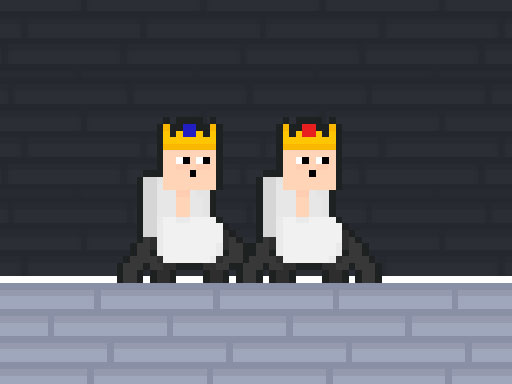
Kingdom of Toilets
Navigate using WASD or arrow keys, tap to move on mobile. Perform a double jump by pressing the jump button again mid-air for extra reach or to avoid obstacles.
6,447
4.0
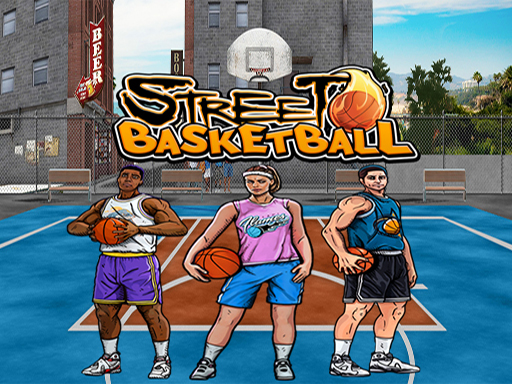
Basketball Street
Use mouse for interactions and keyboard for additional commands to play.
3,568
4.7
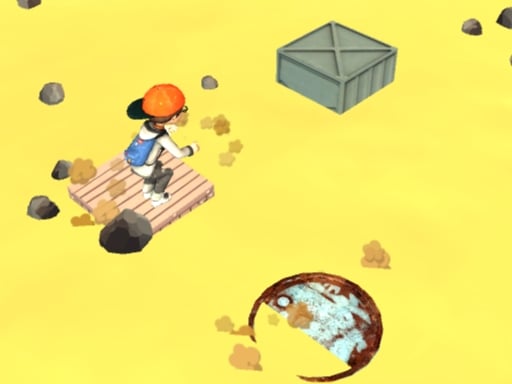
Desert Jump
Click or tap on the screen to interact and progress in the game. Use these inputs to respond to in-game prompts or select options. This direct interaction method allows for an intuitive and engaging user experience, making navigation and participation straightforward for players.
6,526

4.9
Witch Princess Alchemy
Click or tap the screen to interact and progress through the game. Use these inputs to respond to in-game prompts and solve challenges.
5,257

5.0
Car Stunt Chipi Chipi Chapa Chapa Cat
Use WSAD keys or arrow keys on your keyboard to control the movement of the character, allowing you to navigate through levels and avoid obstacles.
4,313
4.3
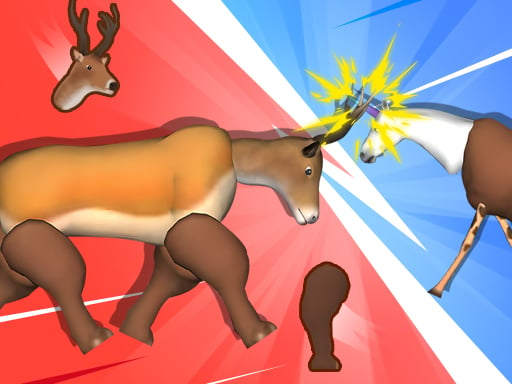
Merge Animals Mutant Fight
Click or tap on the screen to interact and progress through the game. Use these inputs to respond to in-game prompts, solve puzzles, and navigate challenges.
6,769
4.6
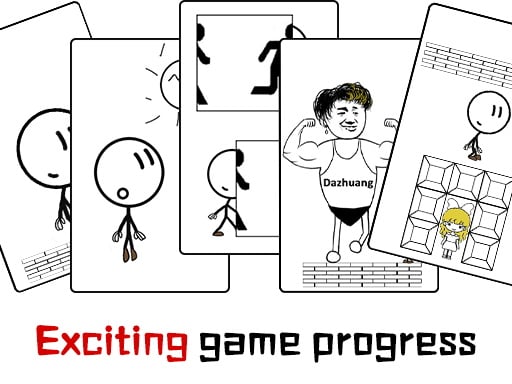
Dont be angry with match man
The main controls of the game are moving forward, backward, and jumping. Players use these controls to navigate through various levels, avoiding obstacles and collecting items. Forward movement progresses players through the environment, while backward movement allows them to retreat from dangers or revisit areas. Jumping helps in overcoming gaps, reaching higher platforms, and accessing hidden areas. This simple yet effective control scheme ensures easy navigation and engagement, making the game accessible and fun for all players.
3,178
4.6
Park The Taxi 3
Desktop: Navigate using arrow keys or WASD for car control. Mobile: Use on-screen buttons to drive. For enhanced understanding, desktop players can try mobile controls by using on-screen buttons, while mobile users can practice with external controllers mirroring arrow keys or WASD setup for varied experience and easier learning across platforms.
7,104
5.0
Roblox Coloring Book
Click and drag colors from the palette onto the canvas to color in the images with Roblox. Use the mouse to select different colors and brush sizes for detailed work or quick coloring sessions.
7,070
4.5
Cookie Clicker : clicker games
Click or tap on the screen to interact and progress in the game.
7,124

4.0
Baby Taylor Back To School
Click or tap the screen to interact and play
3,710

4.9
Baby Taylor Home Stories
Click or tap on the screen to interact and play.
3,610

4.6
Cop Run 3d
Click or tap the screen to interact and progress through the game. Use these inputs to respond to in-game prompts and navigate challenges.
3,709
4.8
Water Jet Riding
To engage in the game, players simply need to CLICK or TAP different areas on the screen as prompted by the gameplay. This action triggers various responses and interactions within the game environment, progressing the player through levels and challenges.
5,095
4.1
Little Panda Space Journey
Click or tap on the screen to interact and progress through the game. Use these inputs to trigger actions, select options, and navigate within the game environment.
6,760

4.3
Dunk Challenge
Click or tap on the screen to interact with the game elements. This action triggers various responses depending on where you click or tap, guiding you through different levels and challenges. Use these interactions to solve puzzles, advance in the game, and achieve your objectives.
6,766

4.9
Vampire Survivors Dark
Navigate using WASD keys on PC, arrow keys as alternative, mouse clicks for specific interactions, touch controls on mobile devices for movement and actions.
6,208
5.0
Tall Boss Run
Click or tap the screen to interact and play.
4,287
4.9
Drive Mad Master
Control your character using WASD or the arrow keys for movement. Press W, D, S, A, X, Z, the up arrow, or the right arrow to move forward, and the down arrow or left arrow to move backward. Use mouse clicks for additional interactions as needed in the game.
7,761
4.2
Whack e m All
Click your left mouse button or tap on the screen to hit moles as they pop up from their holes. Speed increases with each level, challenging your reflexes and accuracy.
7,826
4.4
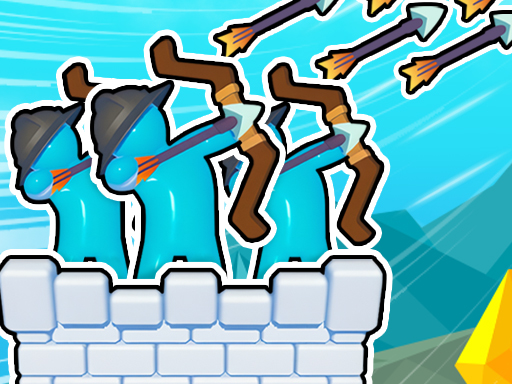
Royal Elite Archer Defense
Click or tap the screen to interact and play
6,329

4.9
One Wheel Rush
Select the number of wheels using left mouse click or touch, then tap the screen to make the vehicle jump.
3,329
4.2
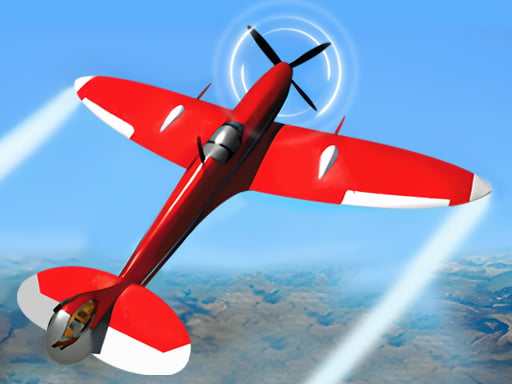
Real Flight Simulator
Click or tap the screen to interact and progress through the game. Use these inputs to trigger actions, select options, and navigate challenges designed to test your skills and reflexes. Each click or tap responds with immediate feedback, guiding you through levels filled with puzzles, obstacles, and interactive elements. Engage with the game world by simply interacting with objects and characters as indicated. Enjoy an intuitive experience that relies on your timing and decision-making abilities.
4,917

4.8
One2One
Click or tap the screen to interact and progress through the game. Use these inputs to respond to in-game prompts, select options, or trigger actions as indicated by the game interface.
7,593

4.1
Would you Rather?
Select a question from the available options. Each selection leads to a unique challenge or puzzle. Solve the puzzle to advance, with each answer providing insights or tools needed for subsequent questions.
7,988

4.6
Village Farm Life
use the mouse to navigate and interact with elements in the game world by clicking or hovering over objects to perform actions or make selections.
6,994

4.2
Tank Soccer Battle 1 2 3 4 Player
Green Tank: Move with WASD, fire with Q. Blue Tank: Navigate using Arrow Keys, shoot with P. Yellow Tank: Use UHJK for movement, M to fire. Red Tank: FCVB controls movement, N triggers the shot.
5,938

5.0
Pinball Football Champion
Click to pass the ball, then click again to aim and shoot directly into the goal for a score.
5,607

4.2
Find 6 Differences
Examine these two similar images closely. Utilize your sharp vision and attention to detail to pinpoint all six differences. Click each discrepancy with your left mouse button to mark them accurately.
3,711